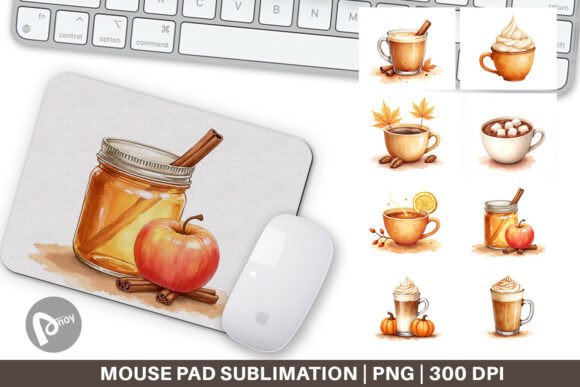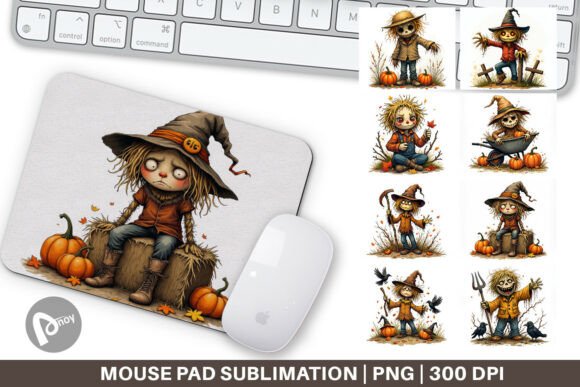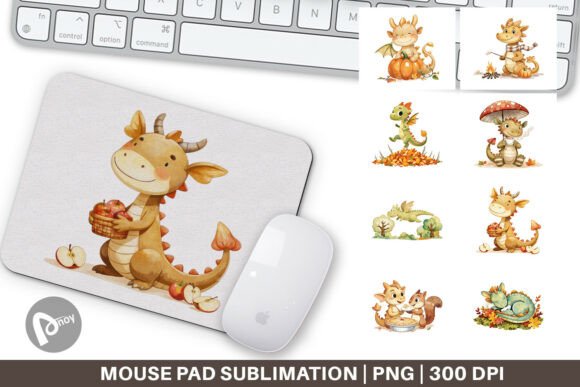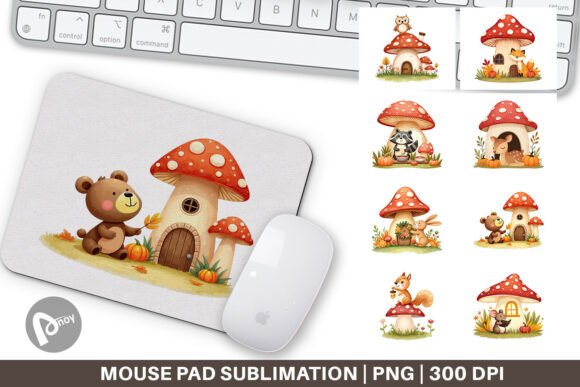
Mouse Pad Pet Love Quotes: Streamlining Your Sublimation Workflow for Personalized Desk Accessories
Custom desk accessories bridge the gap between functional workspace tools and personal expression. The Mouse Pad Pet Love Quotes design set enters this space as a practical asset for anyone looking to create high-quality sublimated mouse pads. Whether you are a small business owner expanding your product line or a professional enhancing your home office, understanding how this digital asset fits into a broader production and usage workflow ensures you maximize its value. This article walks through the practical implementation of these designs, from pre-production planning to long-term daily use.
The Strategic Role of Themed Designs in Your Workflow
Before touching a single file, consider the job you need this product to perform. For a creator or entrepreneur, the Mouse Pad Pet Love Quotes set functions as a targeted solution for a specific audience: pet owners who spend significant time at a computer. Defining this purpose upfront streamlines every subsequent decision, from substrate selection to marketing language.
In a production workflow, this design set replaces the need to source individual royalty-free images and pair them with appropriate typography. This collapses the pre-production timeline significantly. Instead of spending hours crafting a layout, you can allocate that time to optimizing print settings or testing different blank materials. The themed nature of the set also creates a cohesive product line, which simplifies inventory planning and listing creation if you sell online. By treating the PNG files as standardized components, you build consistency into the very beginning of your process.
Asset Management and Pre-Production Planning
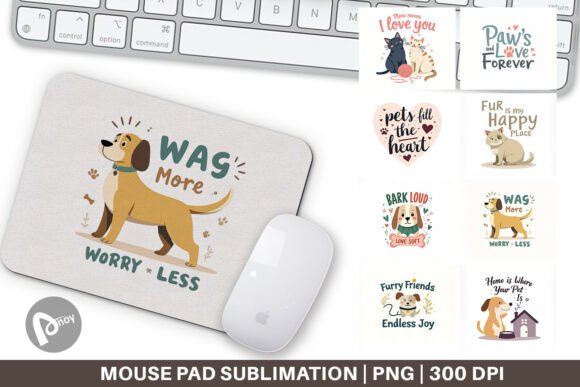
The 8 PNG files included in the set are your raw materials. Each file measures 9.5 x 8.1 inches at 300 dpi, a specification chosen for standard rectangular mouse pad blanks. Your first task is organizational. Create a dedicated folder within your design assets library, clearly labeled by theme. This simple step pays dividends when you need to revisit the files weeks or months later for a reorder.
File Compatibility and Software Integration
These PNGs work directly with any raster-based design software, including Adobe Photoshop, Affinity Photo, and Canva. The transparent or layered backgrounds allow you to further customize each design if your workflow requires branding or personalization. Before printing, verify that your software’s color space matches your printer profile. Working in sRGB or Adobe RGB depending on your sublimation printer maintains color fidelity from screen to substrate.
Sizing and Substrate Matching
The 9.5 x 8.1 inch dimension dictates the minimum size of your blank mouse pad. A standard small rectangular pad (roughly 9.8 x 7.9 inches) works well, but confirm the exact printable area of your specific blank. Leave a small margin on the PNG if your padding requires it. This attention to dimensional compatibility prevents wasted prints and materials, which is critical for maintaining production efficiency.
The Production Workflow: Execution and Quality Control
Once your files are organized and your blanks are sourced, the production phase begins. This is where the Mouse Pad Pet Love Quotes designs transition from digital concepts to physical merchandise. Execute a structured workflow to ensure consistent results across all 8 designs.
Printing Best Practices
- Mirror the image: Always mirror the PNG before printing. Confirm your software settings to avoid reversed text on the final product.
- Print a test strip: If you are using a new batch of blanks or a fresh ICC profile, print a small section of the design on sublimation paper and press it to check color accuracy.
- Batch processing: Load all 8 designs into your print queue at once. Print them consecutively to streamline workflow momentum and reduce the time spent switching between software tabs.
Pressing Parameters and Consistency
Sublimation on mouse pads requires precise heat and time management. Typical settings hover around 380 to 400 degrees Fahrenheit for 45 to 60 seconds, but your specific heat press and blank coating will dictate the exact numbers.
- Pre-press the blank for 10 seconds to remove moisture and wrinkles.
- Secure the print using heat-resistant tape. Avoid over-taping, which can leave adhesive residue.
- Press immediately after taping to prevent the paper from shifting.
- Peel hot or cold based on your blank manufacturer instructions. Cold peeling tends to give sharper detail on mouse pads.
Document your settings for each of the 8 designs. If a design has a solid dark background, it may require slightly longer pressing time to ensure deep ink saturation. Consistency across your workflow eliminates guesswork on repeat orders.
Post-Production Integration and Long-Term Durability
After pressing, inspect each mouse pad under bright light. Look for ghosting, uneven color transfer, or uncoated spots. Sublimation is permanent, so catching flaws at this stage protects your reputation if you are selling the product. Store finished mouse pads flat or rolled with the design facing outward to prevent creasing.
Packaging and Delivery Workflow
If these mouse pads are bound for clients or customers, integrate packaging into your production timeline. A polybag with a cardboard insert keeps the pad flat and protects the matte sublimated surface during shipping. Including a small care card that explains the sublimation process (wipe clean, avoid direct sunlight for extended periods) adds a professional touch and reinforces product quality.
Integrating the Mouse Pad into Daily Professional Use
For the end user, the Mouse Pad Pet Love Quotes is more than a decorative item. It is a daily touchpoint that influences comfort and mindset. The smooth polyester surface of a sublimated mouse pad reduces friction for optical and laser mice, improving cursor precision during design work, data analysis, or gaming.
The presence of a pet-themed love quote serves an emotional function within a work routine. In a field where screen fatigue and stress are common, a subtle visual reminder of a cherished pet or an uplifting sentiment can act as a low-key anchor for a positive headspace. This psychological integration is a genuine productivity factor, not just marketing fluff. A workspace that feels personally meaningful reduces cognitive friction, allowing you to focus more deeply on the task at hand.
Scaling the Workflow for Business Growth
If you are a small business owner or freelancer, the Mouse Pad Pet Love Quotes set provides a scalable foundation. Because the files are pre-sized and themed, you can easily expand into complementary products. Consider using the same PNGs for:
- Coasters
- Small desk mats
- Laptop skins (if dimensions allow)
This cross-utilization of digital assets maximizes your return on a single design investment. It also creates a unified aesthetic across your product catalog, which strengthens brand identity. When you reorder blanks, you can pull the exact files from your organized library without needing to re-create anything. This is process efficiency in action.
Maintaining Quality Across Multiple Production Runs
Over time, blanks suppliers change their coatings, and printers require maintenance. Schedule a quality check every 50 to 100 units. Print a calibration sheet from your design software and adjust your ICC profile if colors drift. Revisit the original PNG files to ensure they remain intact. Cloud backup your Mouse Pad Pet Love Quotes folder. Losing a production asset forces costly rework, which disrupts your entire pipeline.
Iterating on the Design Concept
The 8 PNG files are your starting point. As you gather feedback from users or clients, you may want to modify quotes, adjust backgrounds, or resize elements. The 300 dpi resolution gives you latitude to edit without losing sharpness. Keep a working copy in your native design format (PSD, AI, or CANVA) while safeguarding the original PNG files as a master archive. This dual-file strategy protects your workflow against accidental corruption while allowing creative iteration.
Practical Observations for Creators and Buyers
For the individual professional buying this for personal use: Select the design that feels most aligned with your daily mindset. Place the mouse pad deliberately within your reach. Treat it as a tool for maintaining comfort during long work sessions, not just a decoration.
For the entrepreneur: Test one design from the set before producing all 8 in bulk. This validates your color settings and pressing technique, saving you materials. Once the first unit passes your quality standards, scale the batch process to include the remaining designs. Document the process so you can delegate production to an assistant or employee later.
The Mouse Pad Pet Love Quotes design set is a practical entry point into sublimation or a consistent revenue generator depending on how you structure your workflow. By treating the files as production inputs, respecting their technical specifications, and planning for long-term reuse, you integrate them smoothly into your broader professional routine. Whether your goal is a more inspiring workspace or a profitable product line, the path from PNG to pressed mouse pad is clear, repeatable, and efficient.